The Bitter Lesson of AI CAD
Zach Dive ·
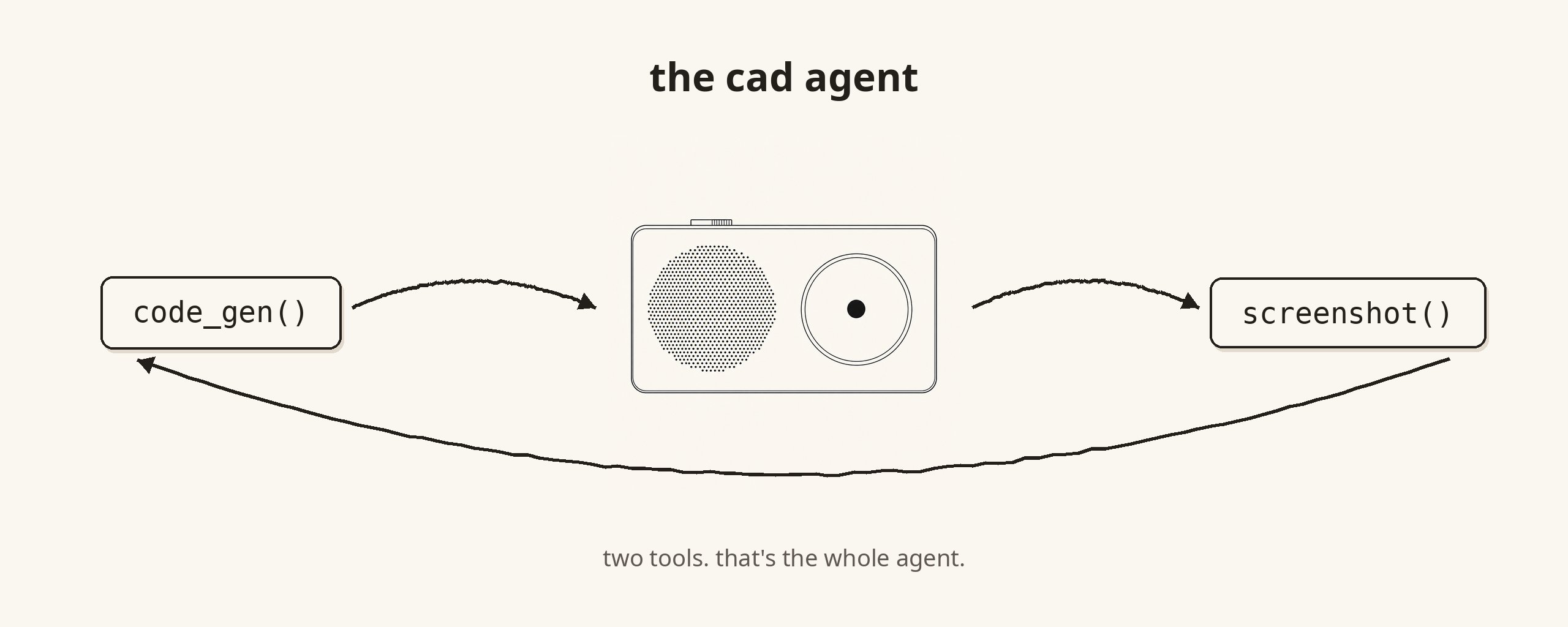
It's just code and screenshots.
Two tools. Code generation and view screenshot. That's all you need to make AI CAD work, because the models can see now.
The first version
Over a year ago we set out to solve AI in CAD. The models were bad at 3D. Bad in a way that was pretty fundamental. They couldn't reason about space, couldn't track which face was which, couldn't tell you what they were looking at.
To give you an idea, the first version of Adam I built could just about extrude a hole through a cube with natural language. I was still pretty excited about that, as it was obvious where the future was going.
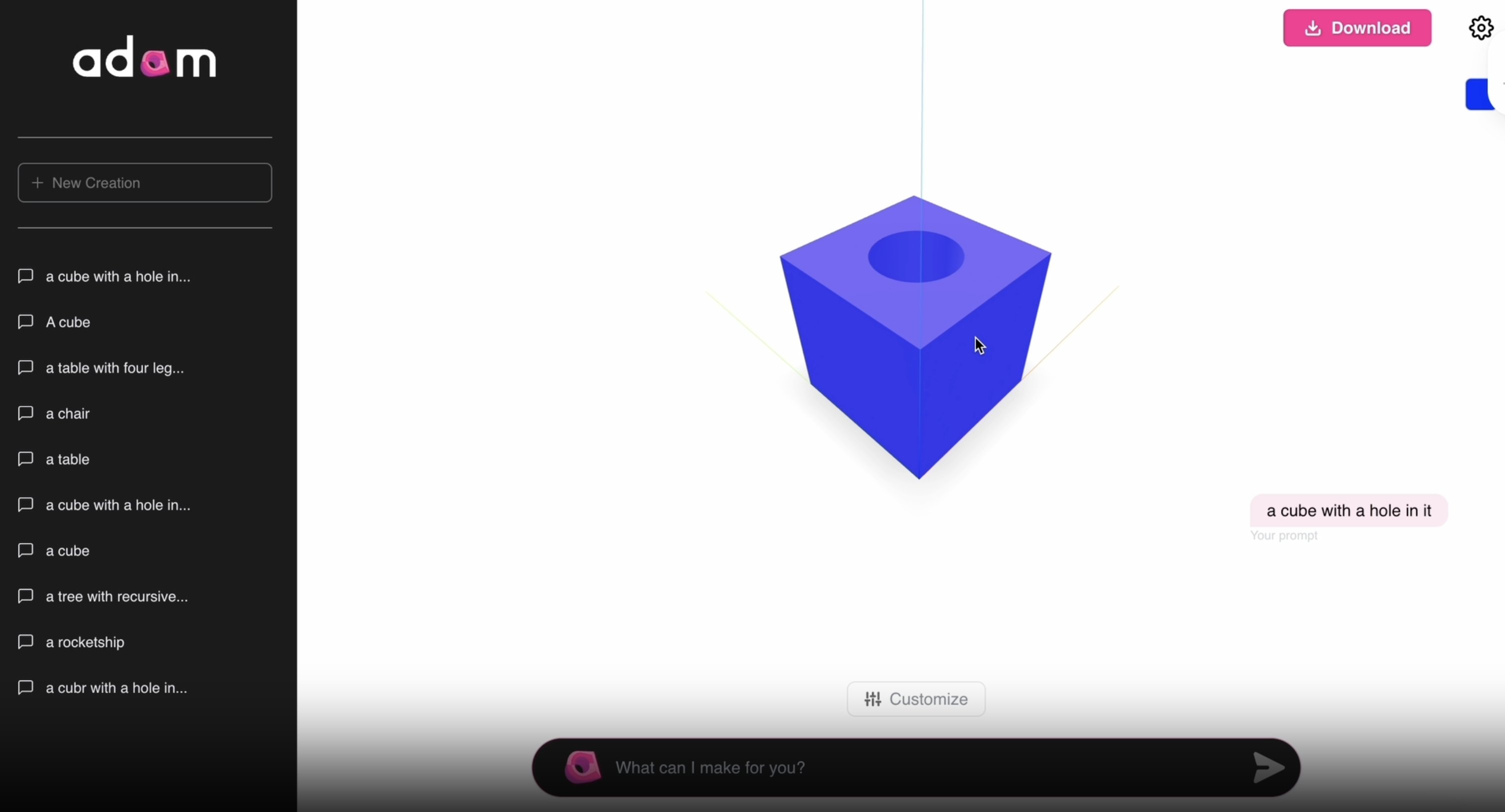
We built thousands of lines of abstractions wrapped around getting the models to spatially reason. A whole DSL we'd written so the model could get all the 3D information in a text-based format.
What I'd already learned
Before working at Adam I worked at an AI Lab called Adept. We trained foundation models to do actions on a computer.
What does computer use now? The best general models. They just got good at it.
That's the Bitter Lesson of ML. General methods that scale with compute beat anything custom. The domain-specific model loses to the more general model. Every time. Not sometimes. Every time.
I came into CAD with that lesson burned in. Which is why I've been (and remain) bearish on most of our competitors, many of whom have since died, who set out to train foundation CAD models.
You can't out-scale Anthropic. You can't out-scale OpenAI. The next model release will unlock your use case as a side effect of being smarter.
The key insight
99% of the work is in the model.
Not in your feature graph. Not in your custom 3D reasoning module.
The model is doing the work. Your job is to get out of its way.
Hat tip @gregor: https://x.com/gregpr07/status/2012052139384979773
Every abstraction we wrote was something the model had to fight around. Every helper was a failure mode we owned forever. Every "create_sketch" tool was a constraint that just got in the way of the model ripping to the final output.
What we changed
So we threw it out.
The hundreds of feature-specific tools. The CAD DSL. The plane resolver. All of it.
What's left:
- Code generation. The model writes CAD represented as code
- Screenshot. The model looks at the part
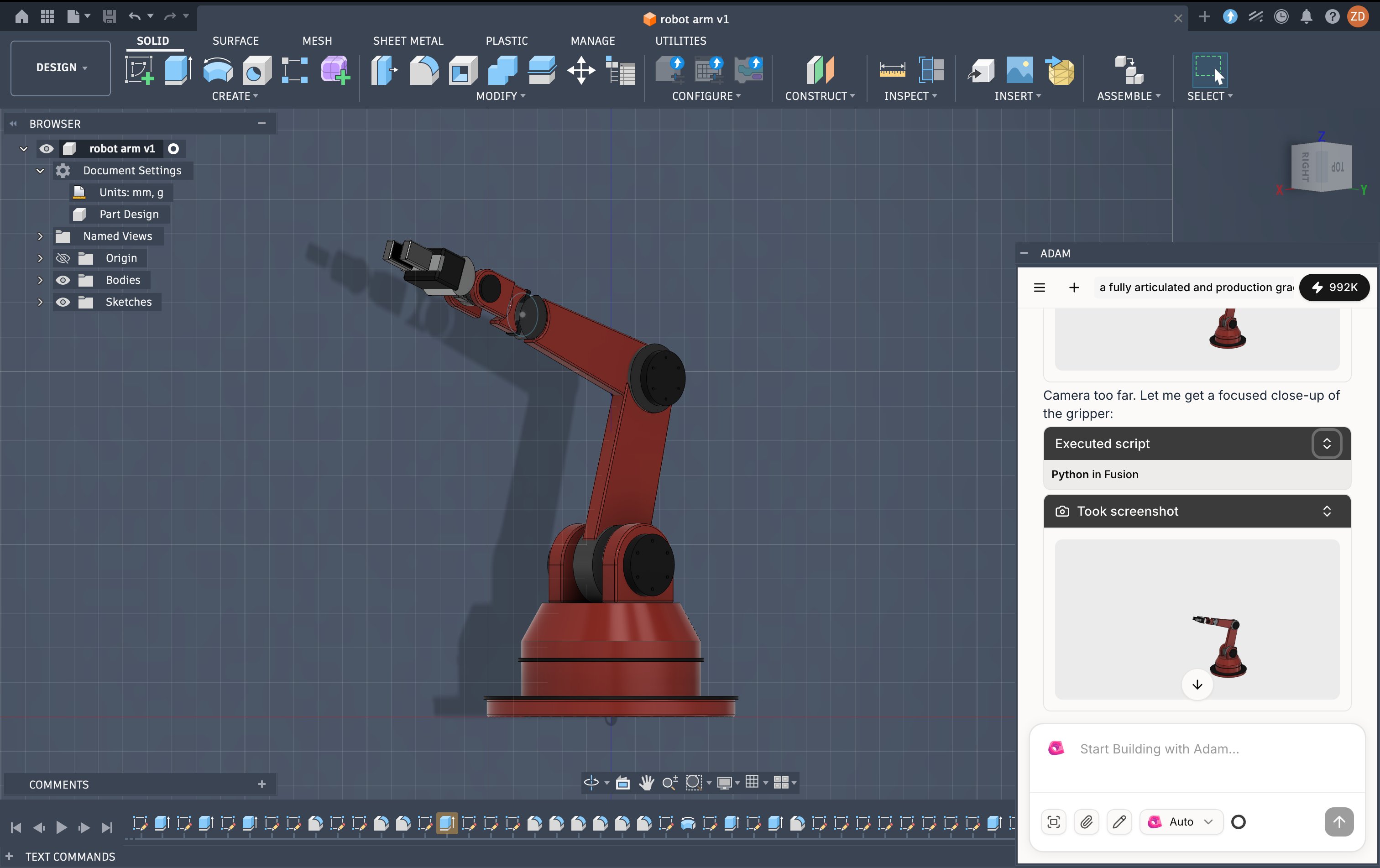
That's the agent. It writes code, looks at the output, decides what's next to build or what to fix, and then writes more code.
You can try it at: https://fusion.adam.new/install
Why it works now
The models have been RL'd almost exclusively on math and coding problems. Don't fight the models. Play to their strengths.
The models can see. They can look at a part and tell you the hole is on the wrong face. They couldn't do that even a few months ago. They can now. This appears to me to be the biggest shift in the newly pretrained models that are getting released.
The bitter truth
Lean into what the models are good at and let them cook.
The harder you work to build a CAD harness (or any specific harness), the more brittle your product is when the next model release lands.
In 2025 we had coding agents. 2026 we have coding agents that can now see. And with that, all human knowledge work on a computer will get automated.